BEGIN:VCALENDAR
VERSION:2.0
PRODID:-//entrinsik//Enrole//EN
METHOD:PUBLISH
X-MS-OLK-FORCEINSPECTOROPEN:TRUE
BEGIN:VTIMEZONE
TZID:America/New_York
BEGIN:STANDARD
DTSTART:20261101T020000
TZOFFSETFROM:-0400
TZOFFSETTO:-0500
END:STANDARD
BEGIN:DAYLIGHT
DTSTART:20260308T020000
TZOFFSETFROM:-0500
TZOFFSETTO:-0400
END:DAYLIGHT
END:VTIMEZONE
BEGIN:VEVENT
UID:20260726T092305Z-3E8774A8
PRIORITY:5
CLASS:PUBLIC
TRANSP:OPAQUE
SEQUENCE:0
DTSTAMP:20260726T092305Z
DTSTART;TZID=America/New_York:20260105T000000
DTEND;TZID=America/New_York:20260105T000100
RRULE:FREQ=WEEKLY;COUNT=26;INTERVAL=1;BYDAY=MO
DESCRIPTION:Event Description:\n\nIntro to Photoshop® \n\n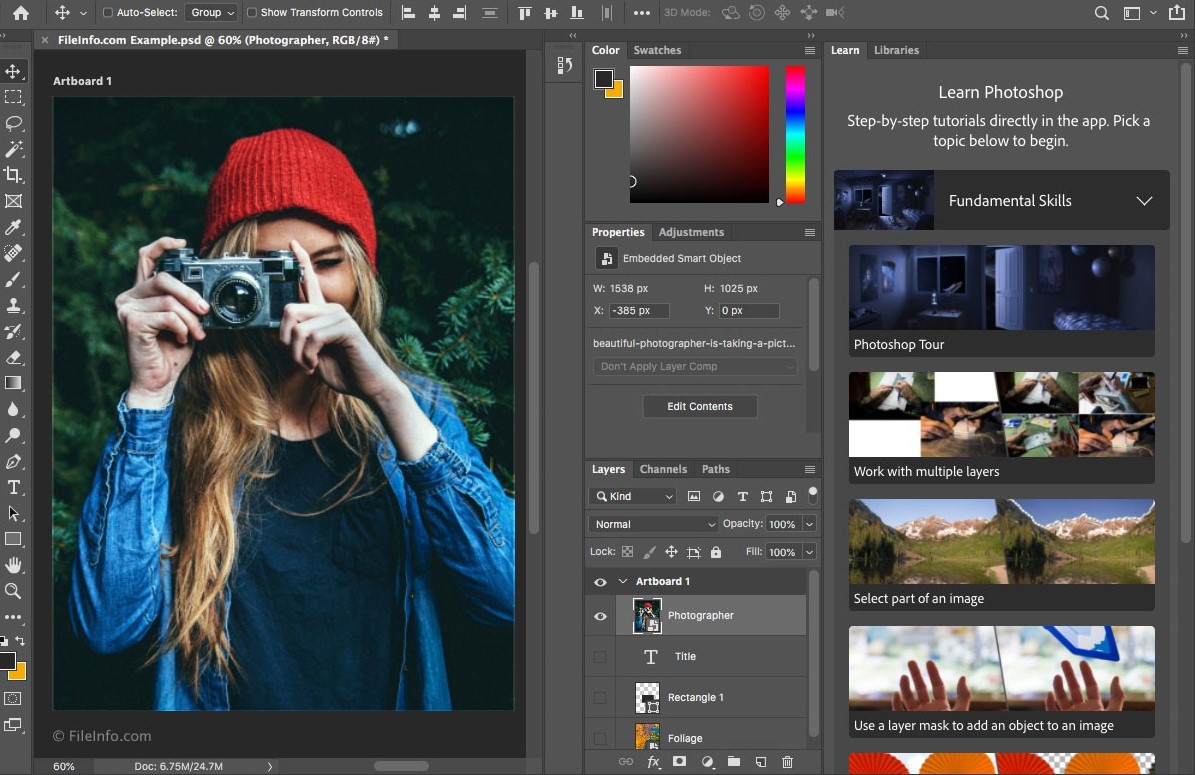 Edit. Enhance. Create with Confidence.
Intro to Photoshop® introduces you to Adobe Photoshop®, the world's most widely used photo-editing and image creation software. This course is ideal for artists, photographers, designers, and anyone looking to enhance or transform images using professional tools.
You'll learn how to clean up and retouch photos, adjust color and exposure, remove blemishes, and replace backgrounds with ease. The course also introduces creative techniques such as colorizing images and creating simple digital paintings. Through hands-on, project-based instruction, you'll build practical skills and confidence using Photoshop® Creative Cloud.
By the end of the course, you'll be able to edit and enhance images with the same techniques used in professional and magazine-quality work.
Software Requirements: Adobe Photoshop® CC, Adobe Creative Cloud, or any version of Adobe Creative Suite CC that includes the Adobe Photoshop® CC or Photoshop® only (not included in enrollment).
LEARN MORE
Course Topics
- Getting to Know Adobe Photoshop®
- Understanding Resolution and Layers
- Working with Objects
- Image Adjustments, Retouch, and Restoration
- Colorizing Images
- Working with Brushes, Selections, Masks, and Vectors
- Type and Layer Effects
- Preparing Files for Output
ENROLL NOW
\n\nEvent Schedule:\n\nThis class is 100% online. See above website link for start date options.\n\nEvent Location:\n\nOnline Course\nOnline Course \nFort Wayne, IN 46805\n
LOCATION:Online Course, Online Course, Fort Wayne, IN, 46805
SUMMARY:Intro to Photoshop®
BEGIN:VALARM
TRIGGER:-P1D
REPEAT:4
DURATION:PT6H
ACTION:DISPLAY
END:VALARM
END:VEVENT
END:VCALENDAR